

Introduction
Microsoft Flow and Logic apps are both integration services that can create workflows by integrating it with various SaaS and enterprise applications.
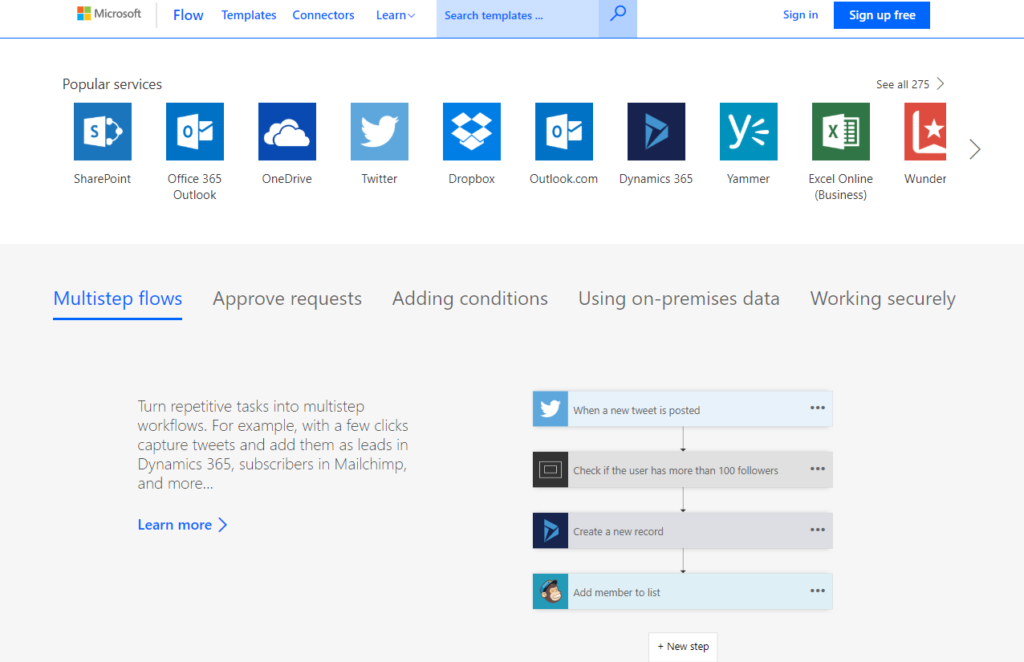
Microsoft Flow is a SaaS offering for automating workflow across a number of apps and SaaS services.
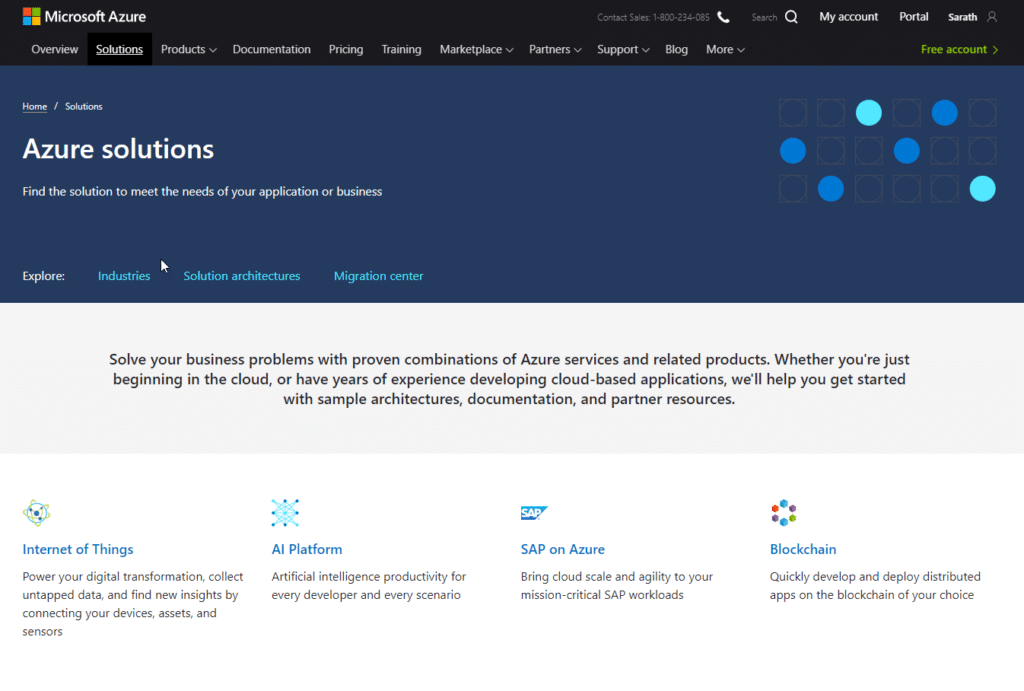
Azure Logic Apps is a PaaS offering for automating a number of workflows across a number of apps, SaaS and IaaS services and can be used to simplify complex integrations.
The following table should assist in making a determination between Microsoft Flow and a Logic App
Differences between Microsoft Flow and Azure Logic Apps
| Microsoft Flow | Logic Apps | |
| Users | Office WorkersBusiness Users SharePoint Administrators | Pro IntegratorsDevelopersIT Professionals |
| Scenarios | Self-Service | Advanced Integrations |
| Design Tool | An in-browser and mobile app, UI only. | An in-browser and Visual Code, code view available. |
| Application Lifecycle Management | Design and test in non-production environments & promote to production when ready | Azure DevOps: source control, testing, support, automation and manageability in Azure Resource Manager (ARM) |
| Admin Experience | Manage Microsoft Flow environments and data loss prevention (DLP) policies, track licensing: Microsoft Flow Admin Center | Manage resource groups, connections, access management, and logging: Azure portal |
| Security | Office 365 Security and Compliance audit logs, DLP, encryption at rest for sensitive data | The security assurance of Azure: Azure security, Azure Security Center, audit logs |
| Cost | Based on an Office365 subscription and a Microsoft Flow Plan Paid by Run – 2k executions per month | Paid by action and connector run. |
| Connectors | Flow Connectors | Logic Apps Connectors |
| Analytics | Flow Analytics | Azure Analytics – More complex and detailed |
| Modern Approvals | Available | N/A |
Note: This information (table) was sourced partly from https://bit.ly/2u3LcZG
Conclusion
Both Microsoft Flow Apps and Logic Apps are a powerful tool provided by Microsoft to automate some of the business processes in an Enterprise. Microsoft flow is built using Azure Logic Apps.
A recommendation is to start with Microsoft Flow and then migrate the code to Azure Logic Scenario as the complexity of the business problem that you are trying to solve increases.